
 Pocket Scriptorium
-
01
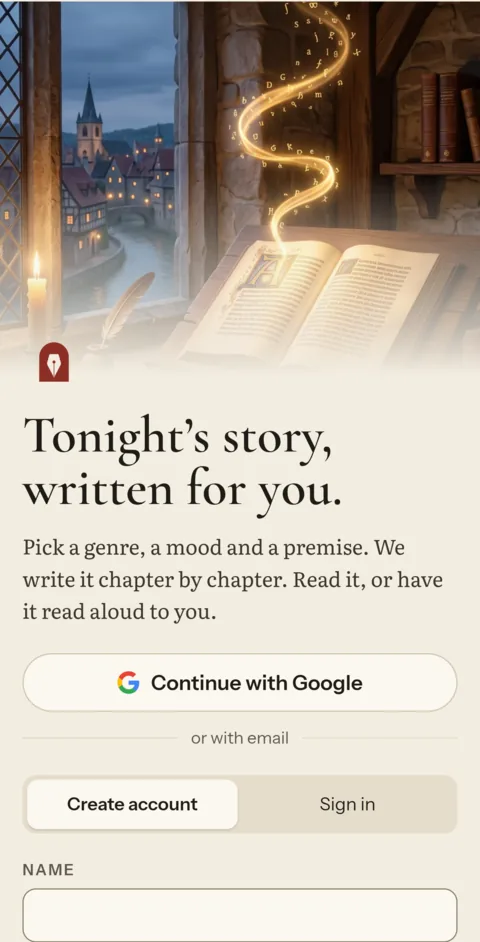
Get the app and sign up
Continue with Google, or sign up with your email address and a password. Confirm your email, and your first 6 credits are in your account. That is enough for a short story.
- No name needed, only an address
- For readers 16 or older
- Free credits once per person and phone
-
02
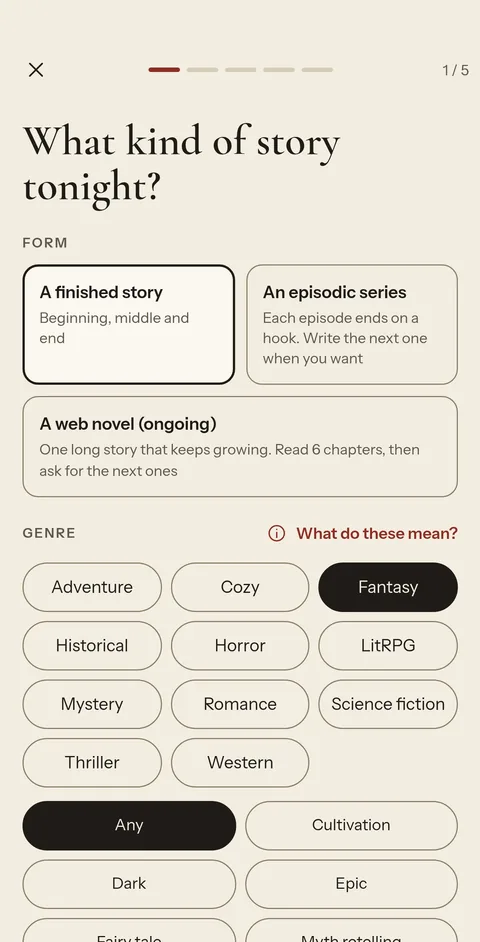
Choose the kind of story
A finished story, an episodic series or a web novel that keeps going. Then the genre: mystery, fantasy, romance, horror, a western and more. Pick a subgenre, or leave it on Any and we pick the best one for your idea.
- Up to three tropes, such as enemies to lovers or a locked room
- Flash fiction to novella: you see the reading time
-
03
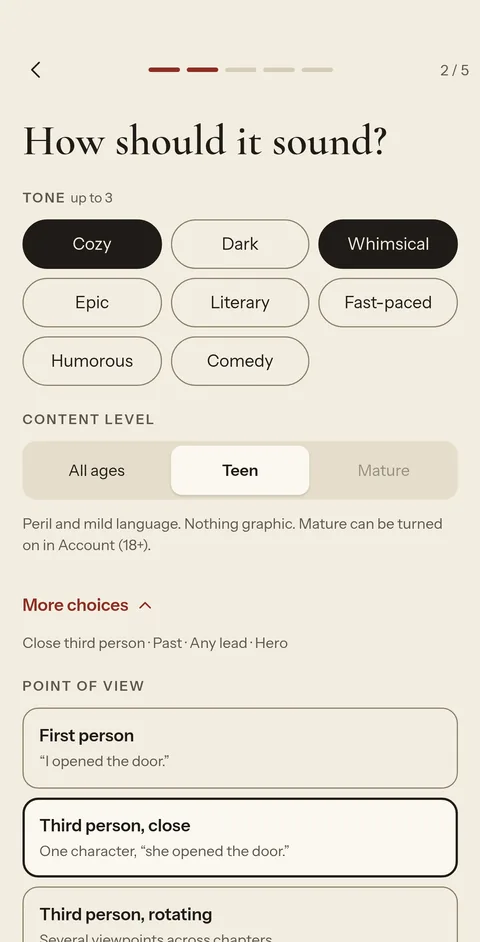
Set how it should sound
Cozy or dark, funny or literary, fast or slow: choose up to three tones and the content level. Under More choices you set the point of view, the tense and your main character.
- All Ages, Teen or Mature
- A hero, a morally grey lead, or a ruthless one
-
04
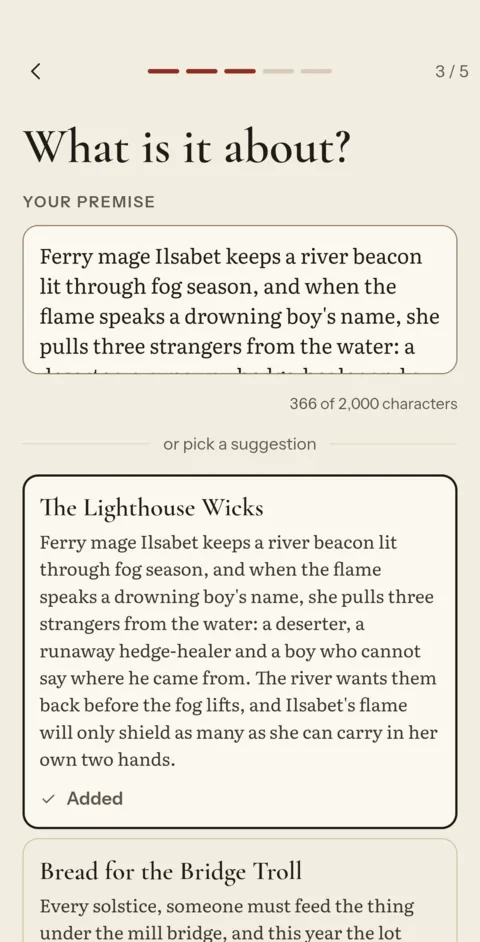
Say what it is about
Write your own idea in a sentence or two, or tap one of three premises written for your choices. Not quite right? Ask for three more, or add a suggestion to your own idea.
- Your idea can be one line
- Suggestions are free
-
05
Refine the plan, or leave it
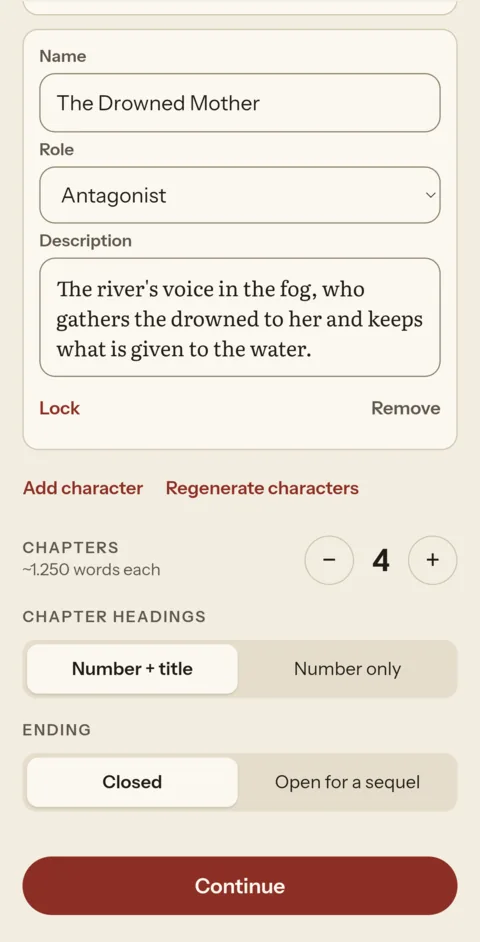
You get a cast and a chapter plan. Rename people, change who they are, add or remove characters, lock the ones you like and get new ones for the rest. Or leave it all as it is.
- The chapters follow your changes
- Choose how the story ends
-
06
See the cost, then write
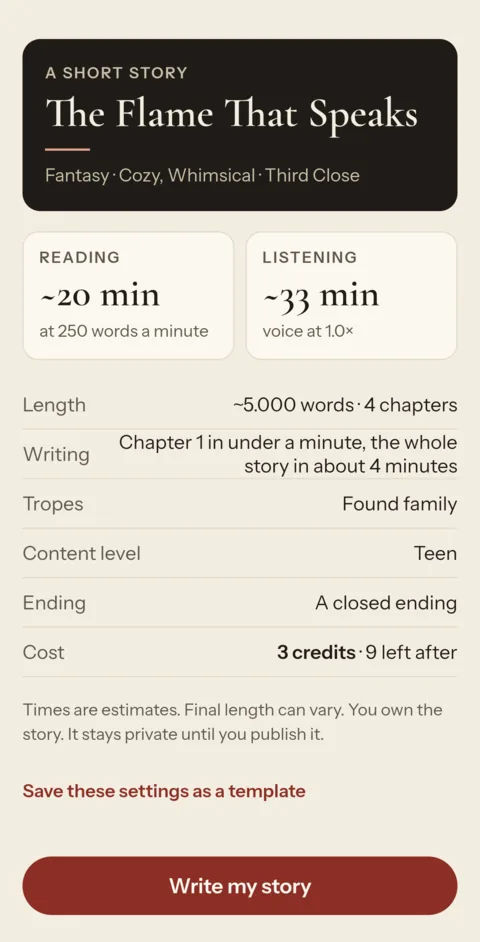
Before anything is spent you see the credits, your balance after it, and about how long the writing takes. Tap Write my story. If it cannot be finished, the credits go back.
- No subscription
- A failed story is always refunded
-
07
Chapter one comes first
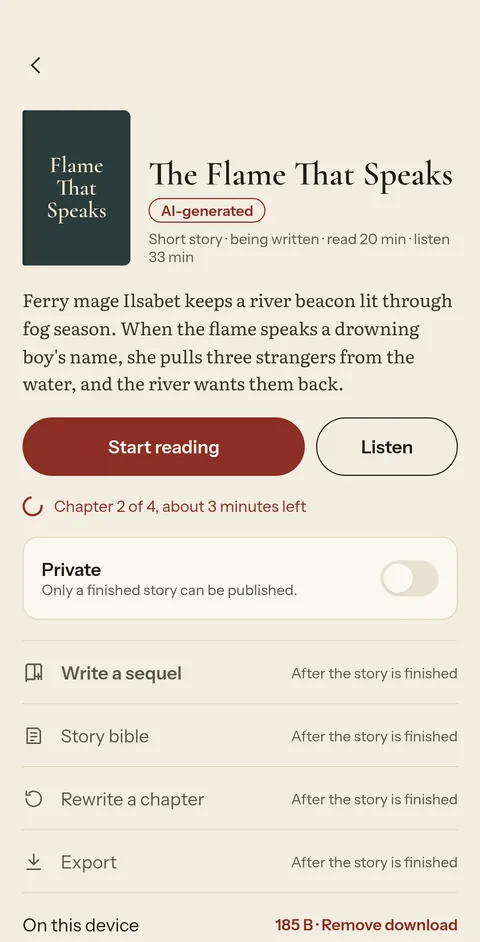
Chapter one is usually ready in a minute or two, and your phone tells you. The rest is written while you read, each chapter checked for mistakes and fixed before you see it.
- You can close the app while it writes
- Every chapter is checked before you see it
-
08
Read it, or listen
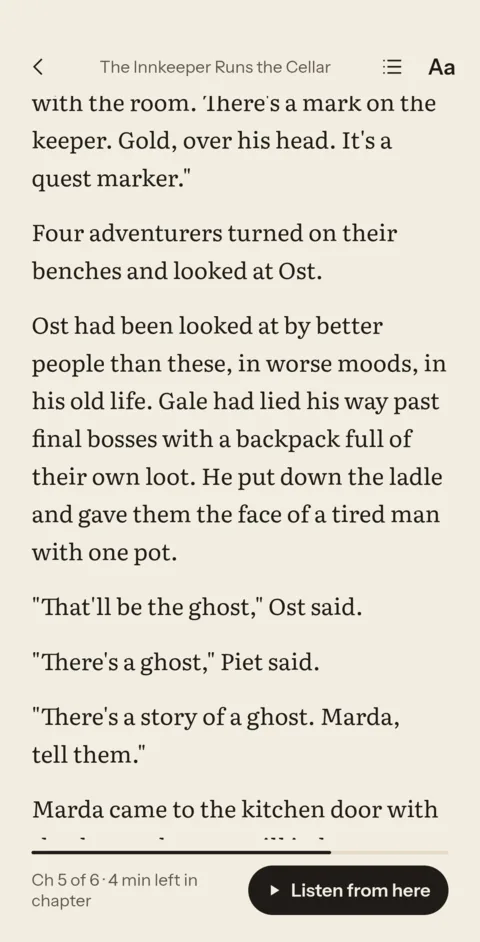
Read in Paper, Sepia or Night, in a font made for long reading. Or tap Listen: your phone reads the story aloud, the text follows the voice, and a sleep timer stops at the end of a chapter.
- Works offline
- Switch between reading and listening any time
-
09
Keep it going
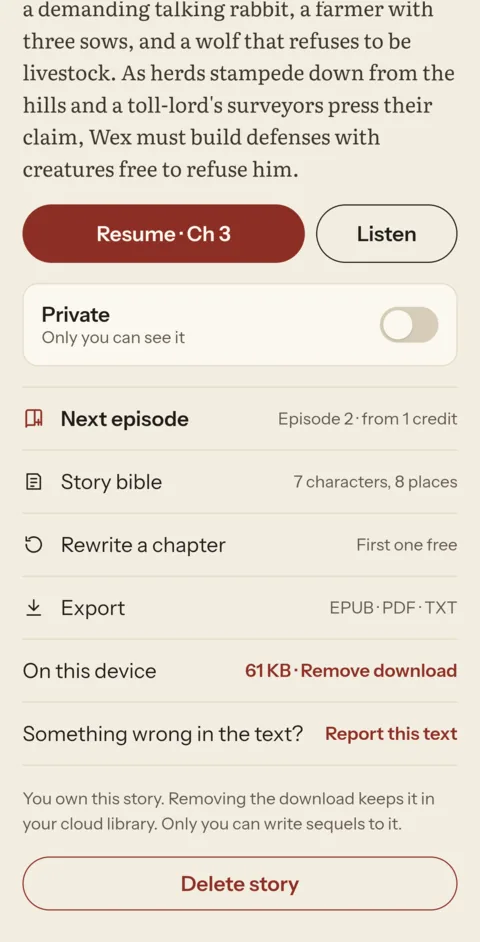
Write book two with the same people and the record of what happened. Export your story as EPUB, PDF or text. Or publish it to the library under your pen name for others to read.
- Only you can continue your story
- Your stories stay private until you publish them

Ready for your first story?
6 free credits are enough for a short story.